Next to your apps versus in them
A chat assistant tells you how to move an order into a spreadsheet. One that works in your apps opens the email, finds the order and adds the row. The first saves you thinking, the second saves you the work.
Five things to check
- Which apps? Ask for the list. Mail, Calendar, spreadsheets, accounting and the browser cover most office work.
- Can you see it work? You should be able to watch each step.
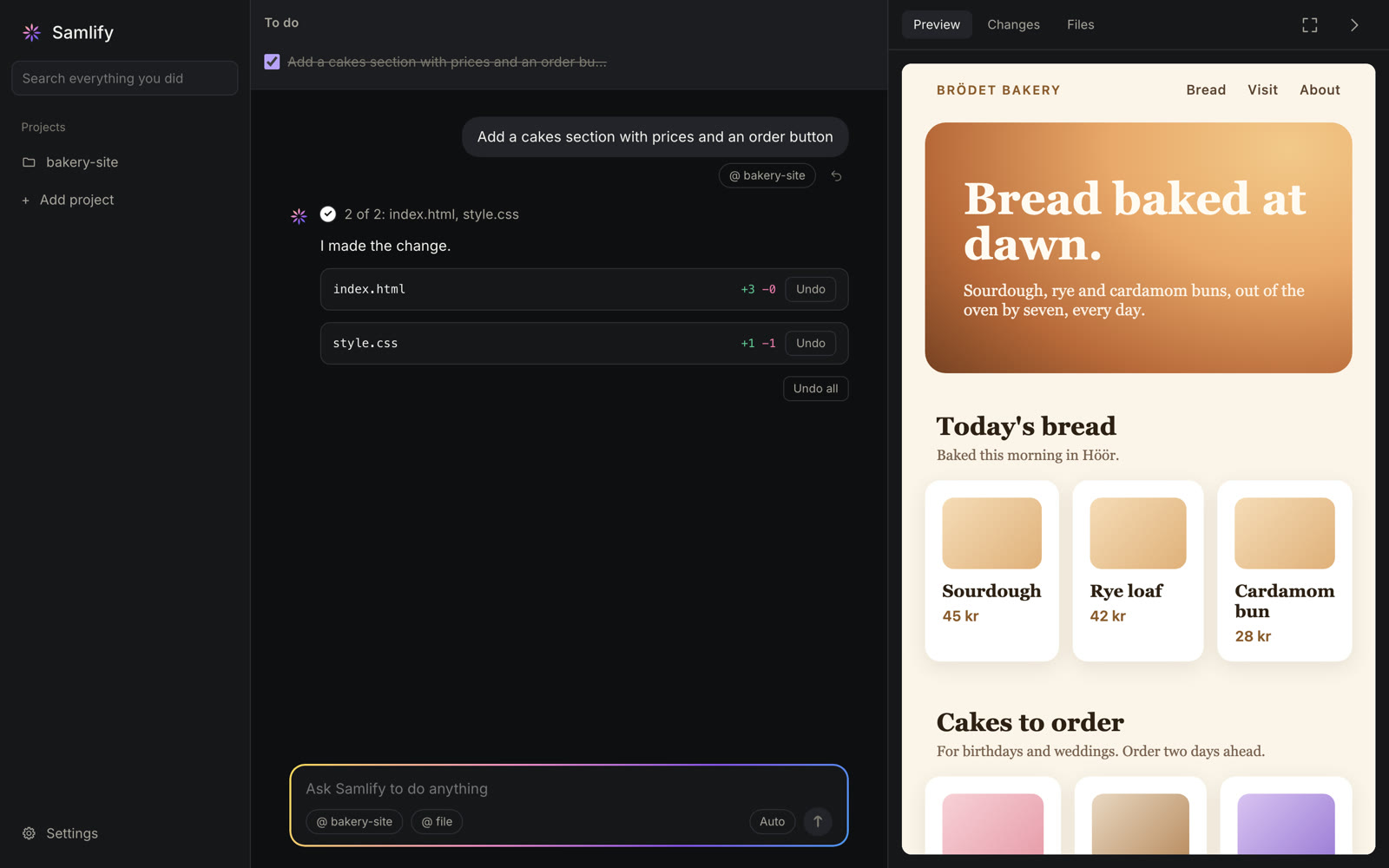
- Can you undo? Look for an undo on changes to files.
- Does it ask before sending? Anything that goes to another person should wait for your yes.
- What leaves your computer? Read the privacy page and see whether it separates what is true today from what is promised.
How Samly does it
Samly runs on your Mac and works in the apps you already have. You can see what it did, undo file changes and approve anything that goes out. The security page lists exactly what is and is not claimed.