See every change.
Every file listed, with an Undo on each.
Code view: see every change and undo any of it
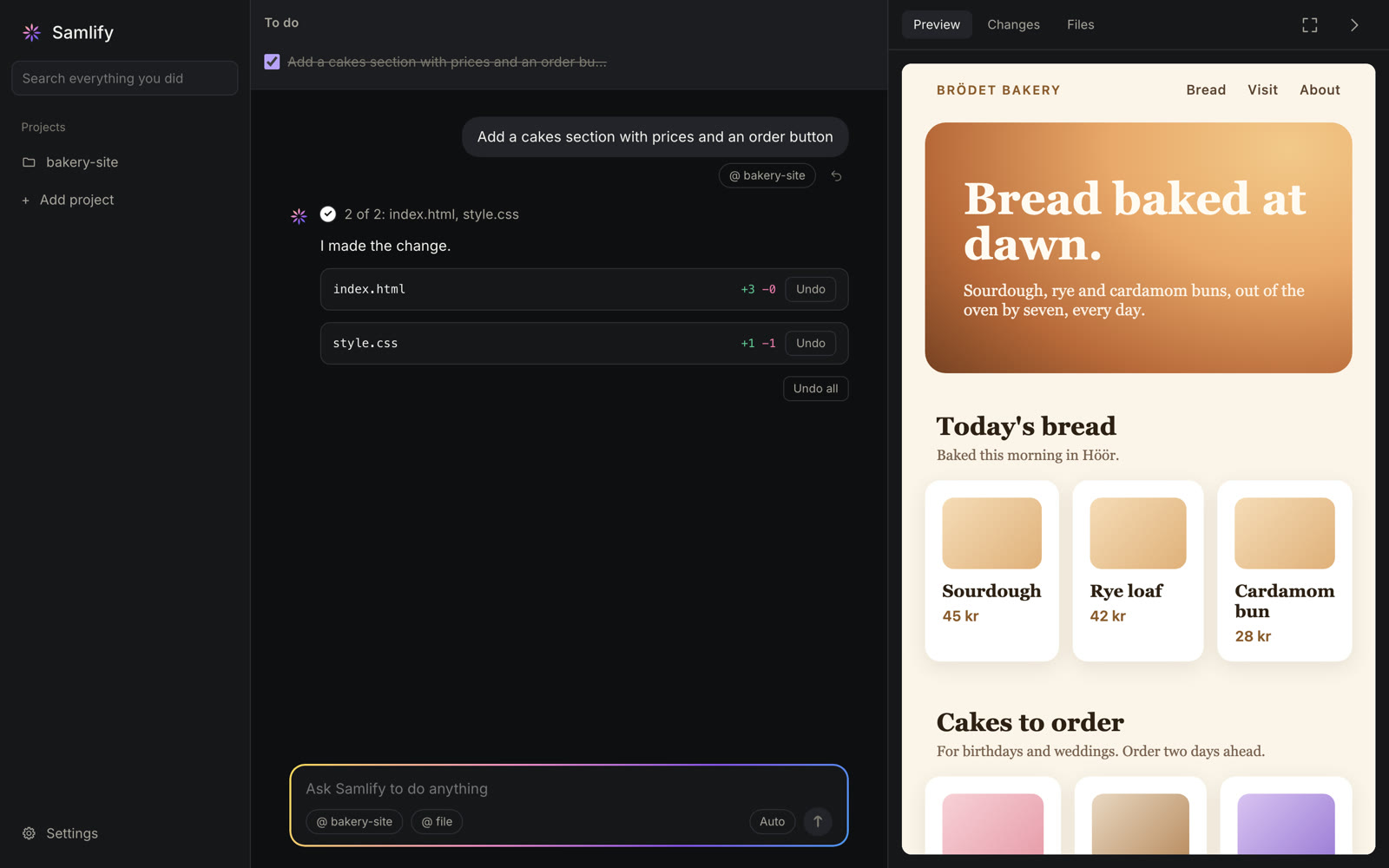
When a job changes files, you see which ones. The Code view lists every change, shows the result beside the chat, and puts an Undo on each one.
Read what changed
Each task ends with a short summary and a list of changed files. Say you asked for new opening hours on your website. You open the file and see exactly what moved. Nothing happens out of sight.
Undo one or all
Every changed file has its own Undo, and the task has an Undo all. If the new opening hours are right but the colour change is wrong, take back the colour and keep the rest.
A preview beside the chat
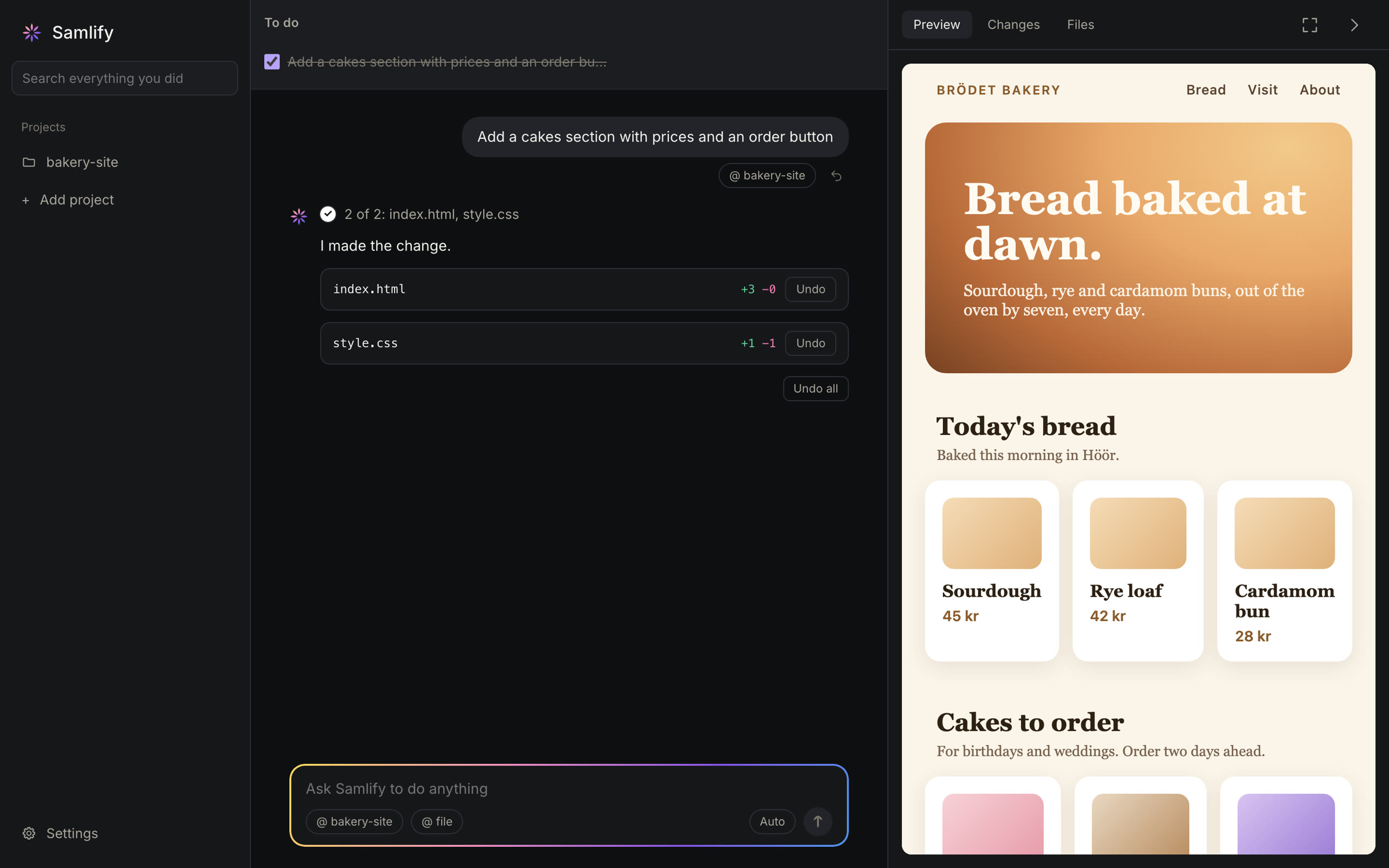
For pages and documents, the result shows next to the conversation. Look at the last change while you ask for the next one.
Quick answers.
Do I need to be a developer?
No. You describe the change in words. The file list and Undo are there so you stay in control.
Can I take a change back?
Yes. Each changed file has an Undo button, and the task has an Undo all.
Try Samly on your Mac.
Download for Mac7 days free. Cancel anytime.