Guides for your Mac.
Practical guides for getting more done on a Mac. Each one has steps you can follow without Samlify.
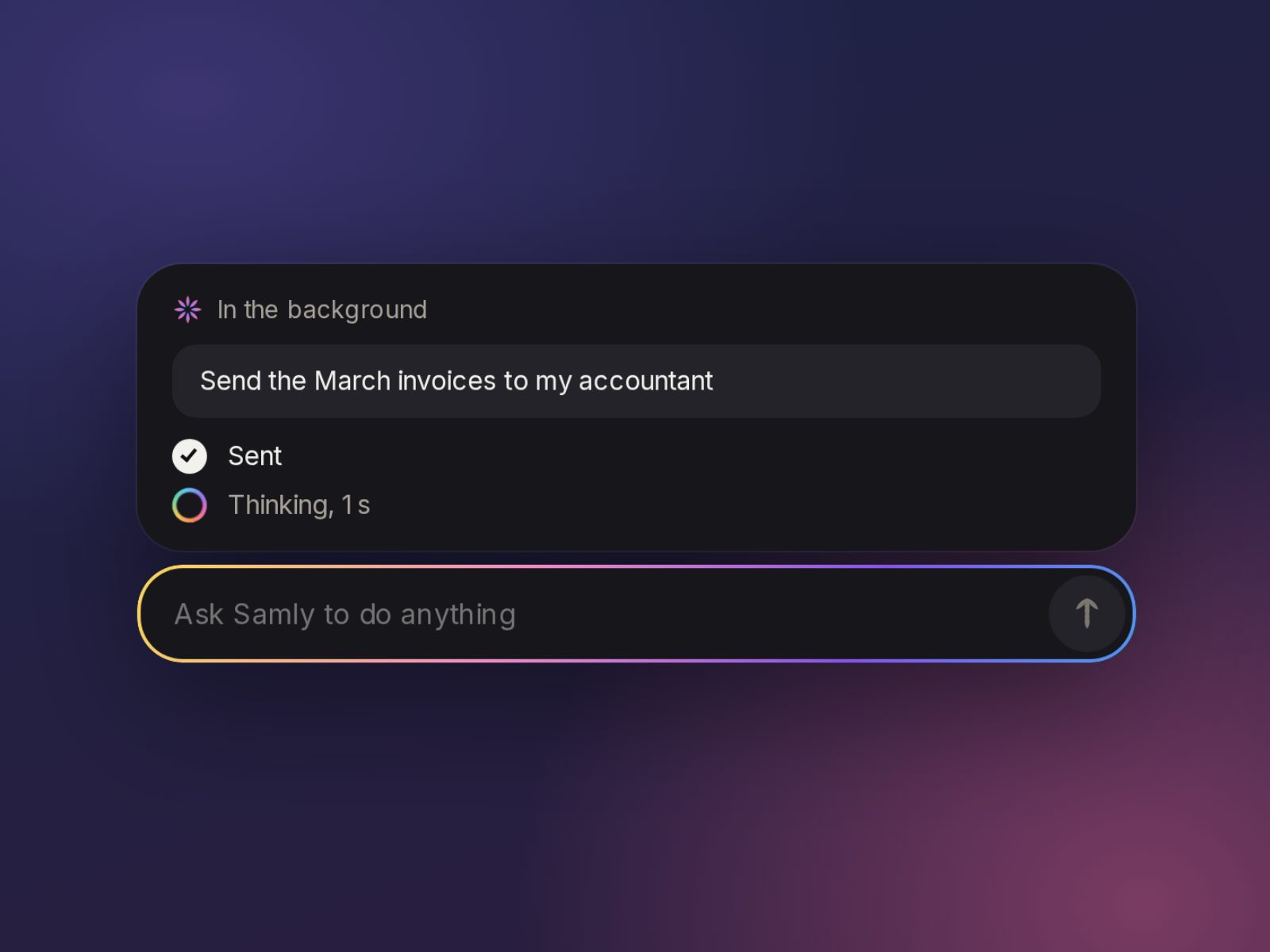
How to automate renaming files on a Mac
Rename a whole folder of files on a Mac with Finder, with Shortcuts, or by asking Samly. Step by step, with when each one is the right choice.
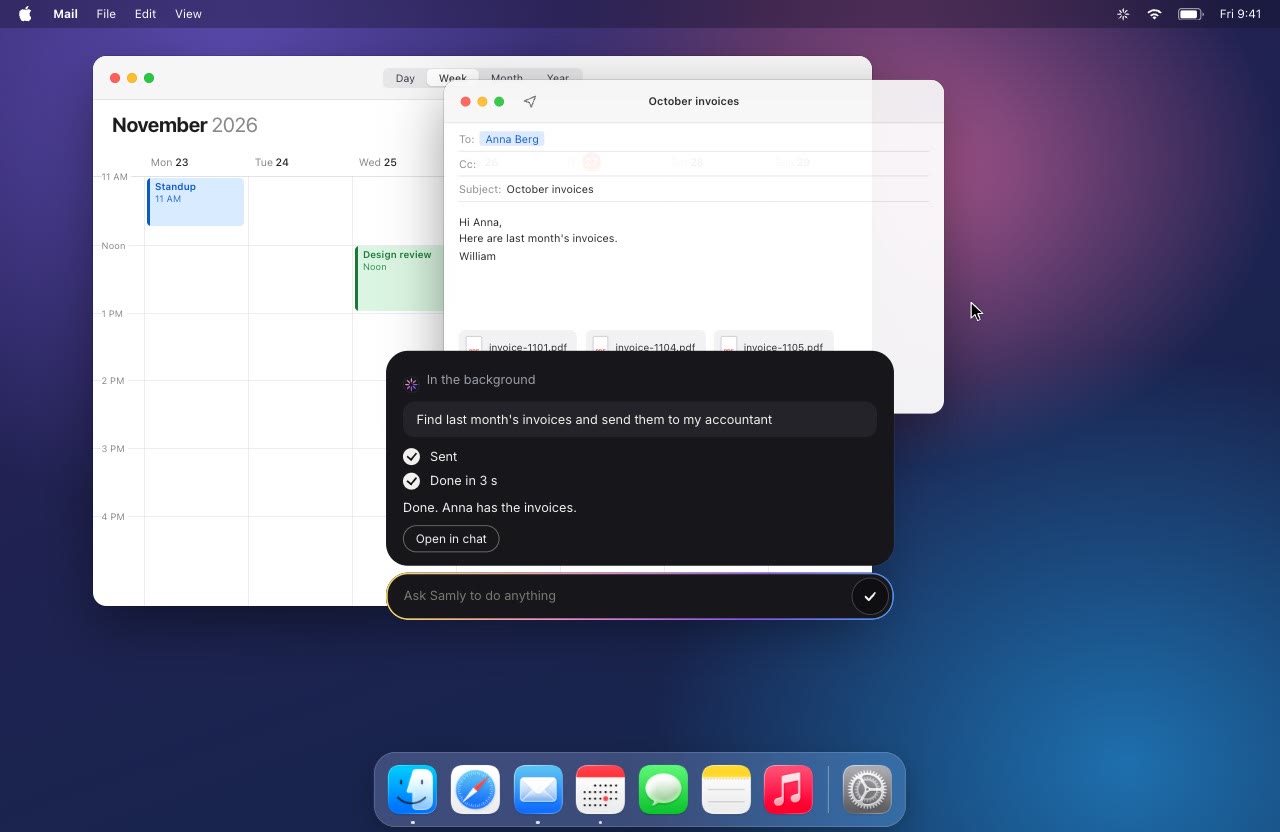
How to voice control your Mac apps
Use Voice Control built into macOS, dictation, and Hey Samly to run your Mac apps by voice. What each one is good for and how to turn it on.
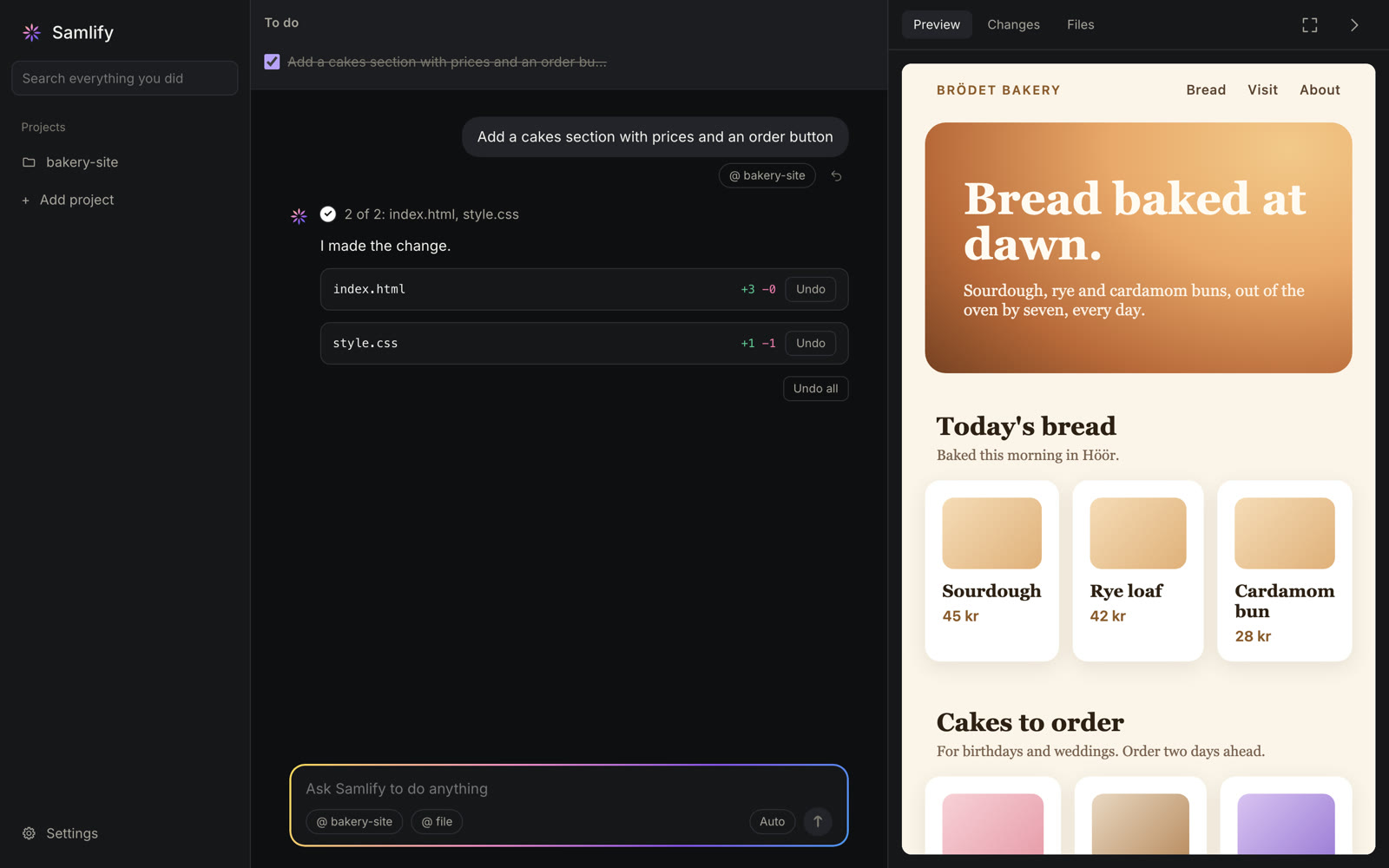
How to make your AI plan last longer
Practical habits that stretch an AI subscription further: shorter chats, one job at a time, fewer attachments, and not asking again for work you repeat.
A Mac assistant for small business admin
The admin that eats a small business day: invoices, bookings, copying between tools. How a Mac assistant handles it and how to start with one small job.
AI that works in your apps, not next to them
Chatting with an AI is not the same as having it do the work. What it means for an AI to work inside Mail, Calendar and spreadsheets, and what to check first.
Try Samly on your Mac.
Download for Mac7 days free. Cancel anytime.