Just say it.
Say "Hey Samly" and your Mac gets to work.

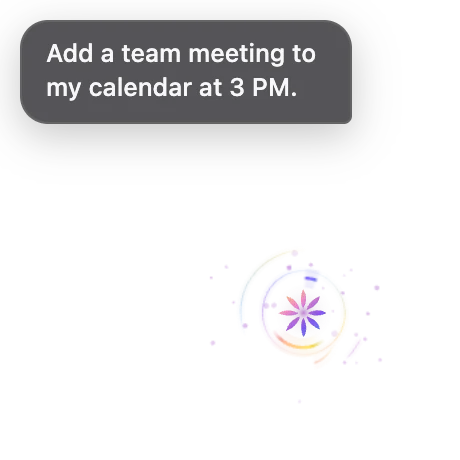
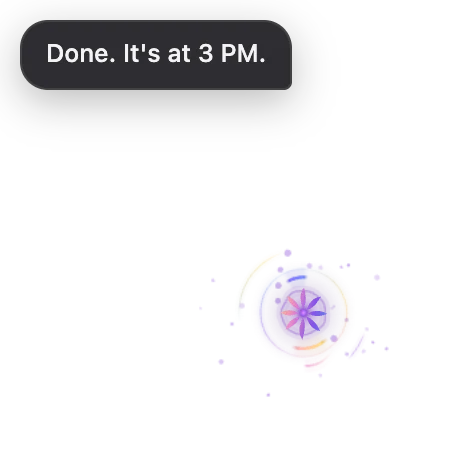
Say "Hey Samly" and your Mac gets to work
Your hands are busy and the job is simple. Say it. Samly listens, does the work in your apps, and tells you when it is done.
Say the job
Say "Hey Samly", then the job: "Send the March invoices to the accountant." Samly opens the right apps and starts. You can also type the same sentence into the Quick box. Both reach the same assistant.
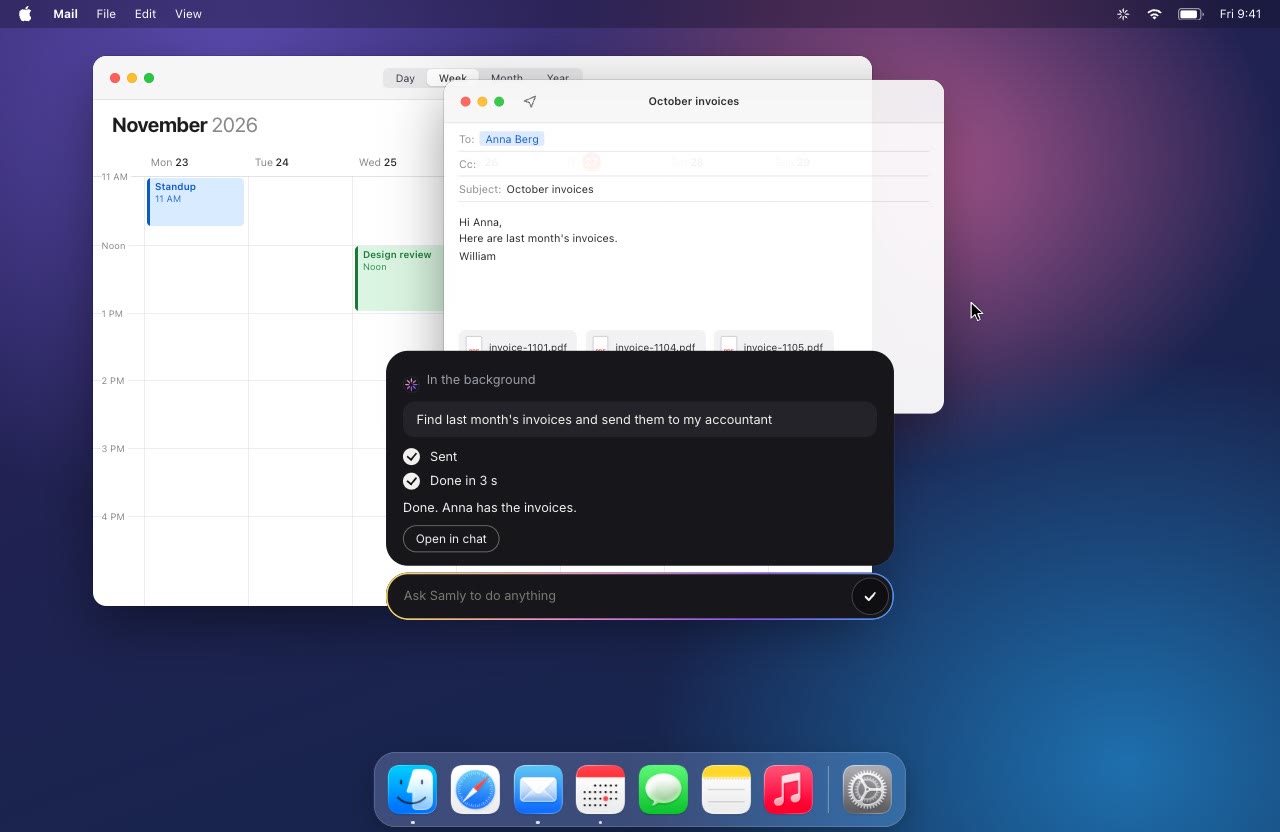
See where it is
Samly looks different when it is listening, working and done. You can see where the job stands without asking.
Talk or type
Talk when you are halfway through something and do not want to switch windows, or when your hands are full. Type in an open office or on a call. Either way it is the same Samly.
It asks before sending
If the job is an email to the accountant, you see it first and say yes. Nothing leaves your Mac before that.
Quick answers.
Do I need to say "Hey Samly" every time?
No. You can type to Samly in the Quick box, so voice is optional.
Does voice work in my other apps?
Yes. The same sentence does the work in the apps Samly supports. They are listed on the Mac assistant page.
Try Samly on your Mac.
Download for Mac7 days free. Cancel anytime.