How we compare, honestly.
Chat, Shortcuts and automation platforms.
How Samlify compares, honestly
Different tools suit different jobs. This is where each is strong, and where Samlify fits.
Chat assistants
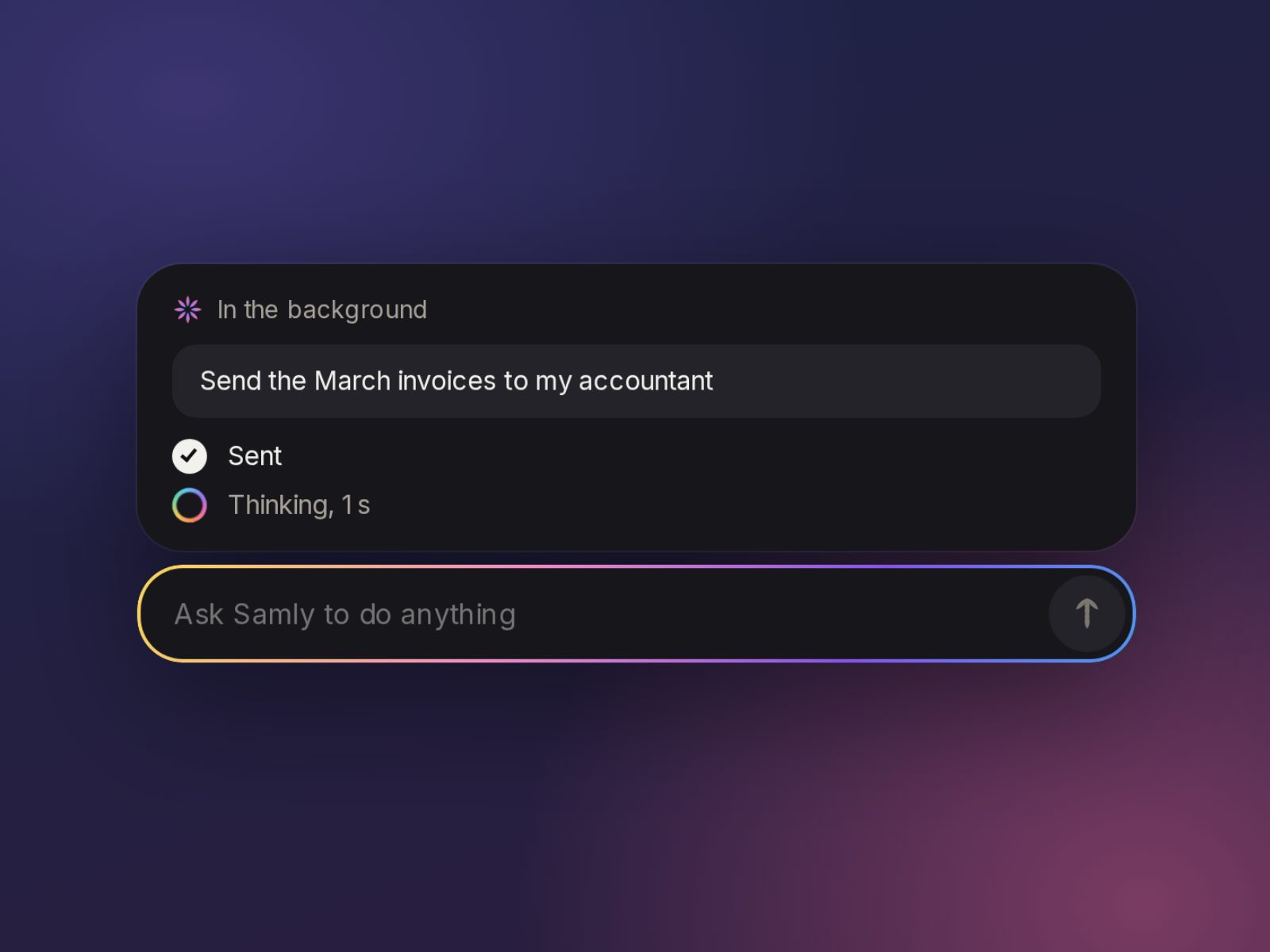
Good for questions, drafts and ideas, and many are free to start. They answer in a window. Samlify does the job in your apps. The March invoices go to the accountant after you say yes, not into a draft you copy over yourself.
Apple Shortcuts
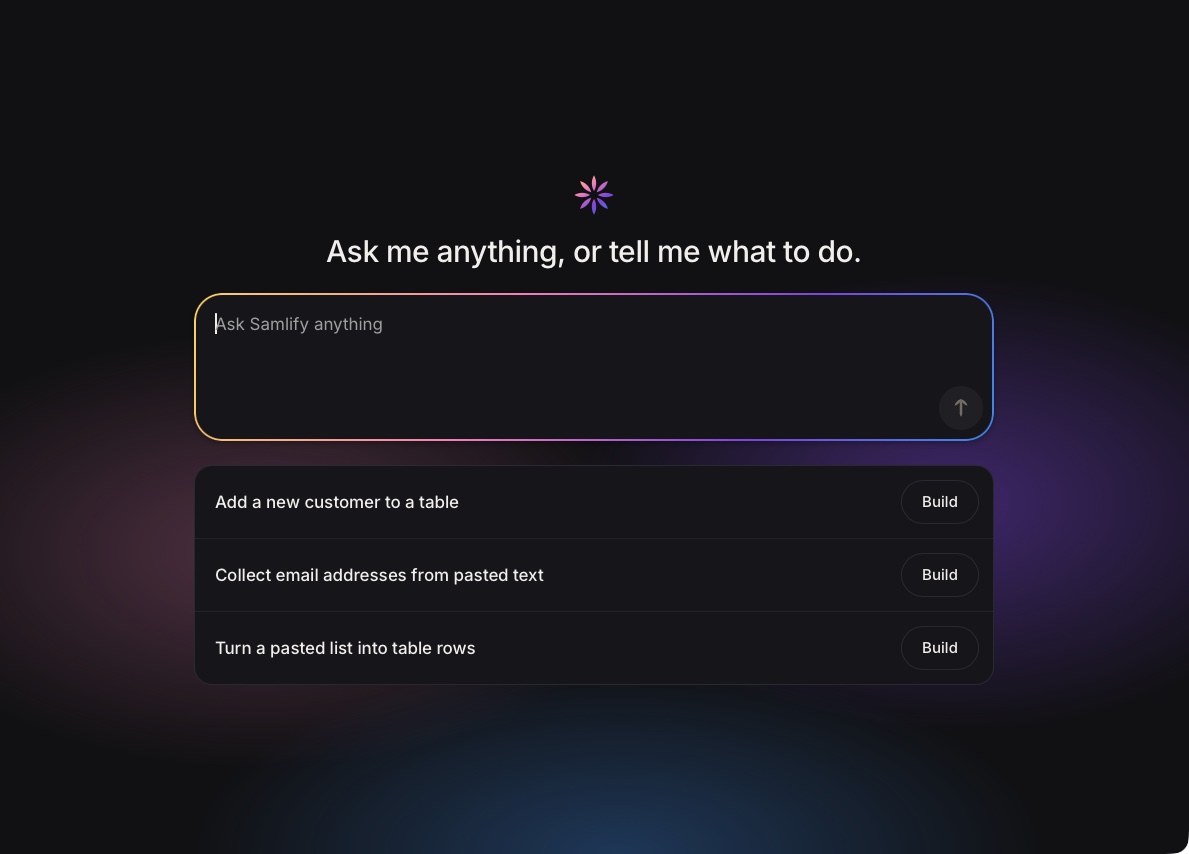
Built into the Mac, free, and excellent when you know the steps and want to set them up once. Samlify is for when you would rather say the job than build it.
Automation platforms
Strong when you want a flow that runs on its own across many web services. Samlify works at your Mac, with you, in the apps you already have open.

When to pick something else
If you need a flow running on a server around the clock, or you live on Windows, another tool fits better today.
Quick answers.
Does Samlify replace Apple Shortcuts?
No. You can use both. Shortcuts is good for steps you already know.
Does Samlify work on Windows?
Not yet. Samlify is for the Mac.
Try Samly on your Mac.
Download for Mac7 days free. Cancel anytime.