An assistant that does the work.
Say it or type it. Samly works in your apps.
A Mac assistant that does the work, not just the talking
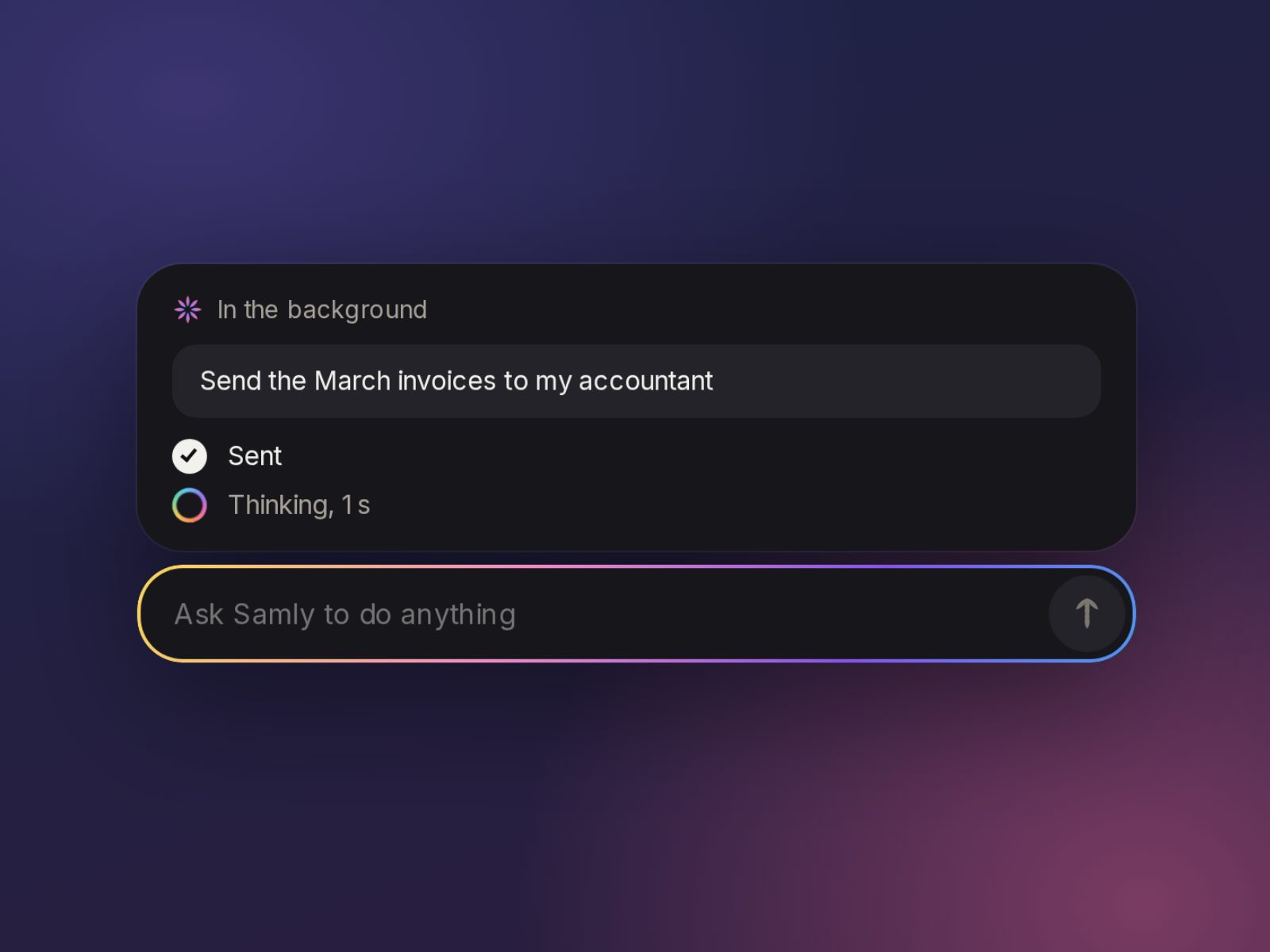
Samly is the assistant on your Mac. Say or type a job, like "send the March invoices to the accountant", and it does the work in your apps while you watch.
Say the job
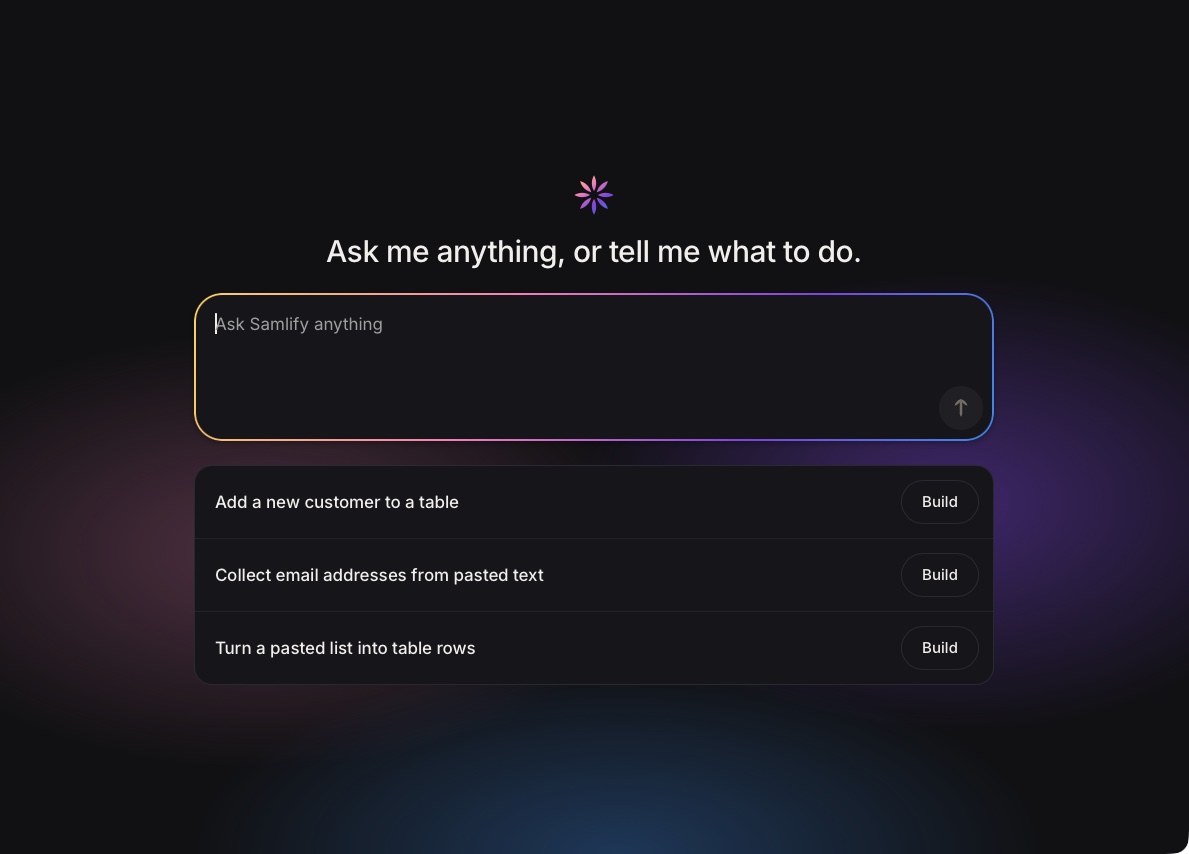
Press the shortcut for the Quick box, or say "Hey Samly". Then tell it what you need: "Put the order from this email into the spreadsheet." Plain words are enough.
It works in your apps
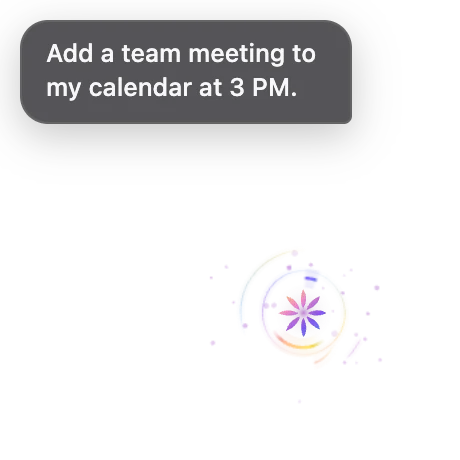
Samly works in Mail, Calendar, spreadsheets, accounting and the browser. Ask it to put Thursday's meeting in the calendar or find the file someone asked about, and it opens the right app and does it.
You say yes first
Anything that goes outside your Mac, like an email to the accountant, is shown to you first. Nothing is sent until you say yes.
Cheaper with every use
Do the March invoices once. Next month the same job goes faster. It gets cheaper and faster the more you use it. More on the automations page.
Quick answers.
Which apps does it work in?
Mail, Calendar, spreadsheets, accounting and the browser.
Do I have to say things in a special way?
No. Say or type the job the way you would tell a colleague.
What does it cost?
$28 a month, with 7 days free.
Try Samly on your Mac.
Download for Mac7 days free. Cancel anytime.