Repeat work repeats itself.
Ask once. The next time is quicker.
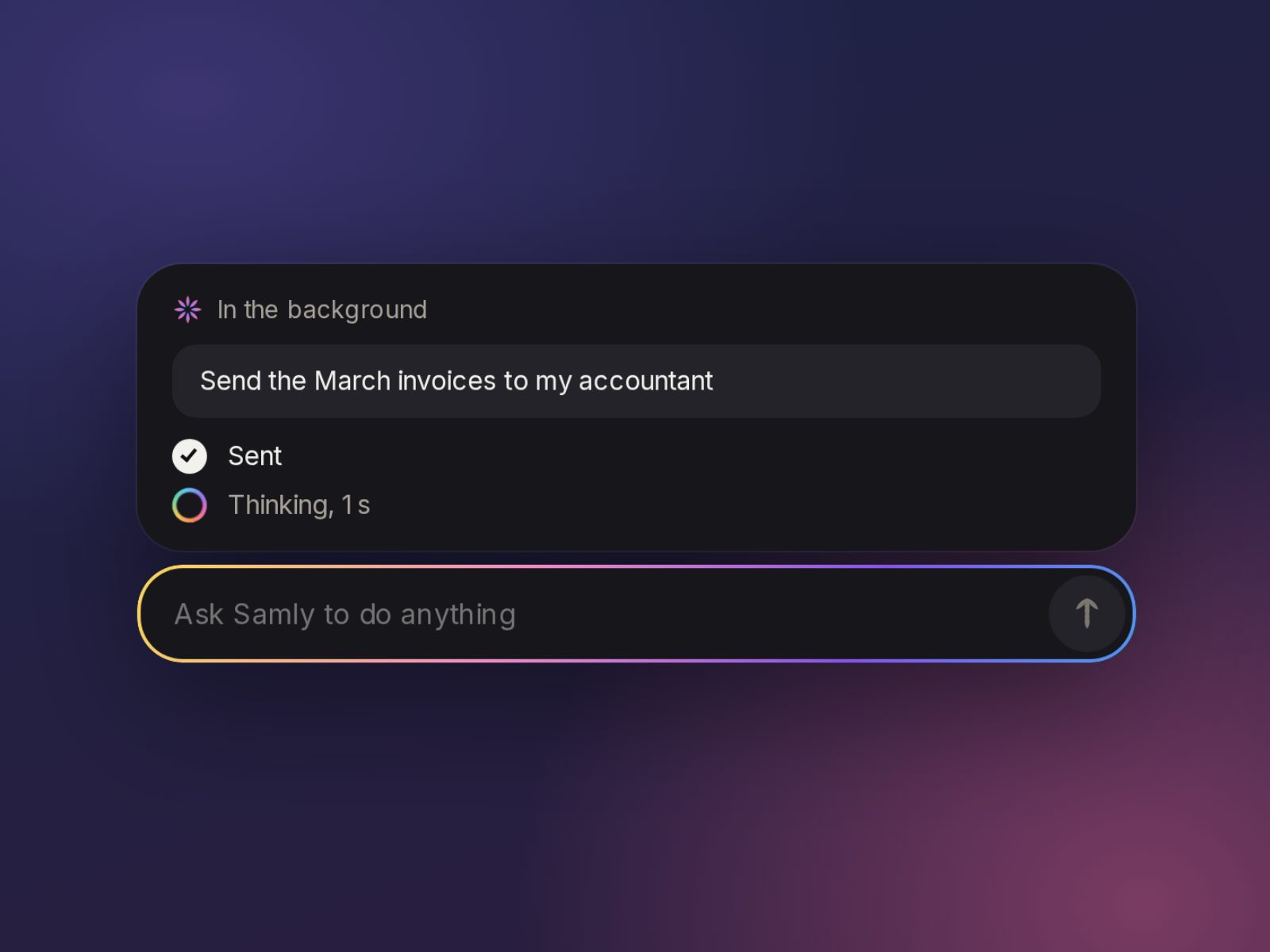
Repeat work that gets faster every time
Ask Samly for a job once. When the job comes back, it goes quicker. It gets cheaper and faster the more you use it.
Nothing to set up
You do not build anything first. Ask for the job in your own words, the way you would ask a colleague. Next month, ask again.

Jobs that come back
Every month the March invoices become the April invoices, and the same folder of files needs the same new names. Samly handles both, and each time it is quicker than the last.
- Copying the order from an email into a spreadsheet.
- Renaming a folder of files the same way every month.

You stay in charge
Anything that goes outside your Mac is shown to you first. You can stop a job, and you can undo changes to files from the task.

Quick answers.
Do I have to set anything up?
No. You ask for the job in your own words, and repeats get faster by themselves.
Will it run without asking me?
Not when it sends something outside your Mac. That is shown to you first.
Try Samly on your Mac.
Download for Mac7 days free. Cancel anytime.